Slither io Unblocked: Safe Ways to Play in a Browser

Contents
If you have ever typed slither io unblocked into a search bar during a free period, you were probably looking for a snake game that loads in a normal browser tab without an install. The honest answer is this: no website can promise to be "unblocked" everywhere, because every school and office network has its own filter list. What you can do is pick a lightweight, no-download browser game like GameSlither and play it wherever games are actually allowed — at home, on your own device, or on a school machine when a teacher gives the green light.
What "slither io unblocked" actually means
When people search for an unblocked game, they usually mean one of three things:
- No installer. The game runs straight in Chrome, Safari, Edge or Firefox, so you don't need admin rights to install anything.
- No account. You don't have to sign up, give an email address or log in before you can play.
- Not on the network blocklist. The site simply hasn't been filtered by whoever manages the Wi-Fi.
The first two are things a game can control. GameSlither has no download and no sign-up — you open the page, type a nickname and you're in. The third one is entirely up to your network administrator, and that's where honesty matters more than hype.
Why school and work networks block games in the first place
School IT teams usually filter gaming sites for practical reasons: keeping bandwidth free for lessons, reducing distractions during class time, and protecting devices from sketchy sites that bundle ads, pop-ups or downloads. It isn't personal, and it isn't permanent.
The rule-friendly approach
Before you go hunting for workarounds, try the simple route — it works more often than you'd think:
- Ask. Many schools allow browser games during lunch, free periods or club time. A quick question to a teacher or the IT desk costs nothing.
- Use your own data. On your personal phone or tablet, your mobile connection isn't filtered by the school network at all. GameSlither works on mobile and tablet browsers with touch controls.
- Save it for home. The same URL, the same progress-free instant start — nothing is lost by waiting until after class.
A word of caution: proxy sites and "unblocker" extensions that promise access to blocked pages are often loaded with ads and trackers, and using them usually breaks your school's acceptable-use policy. A snake game is not worth a disciplinary note or a device full of adware.
Browser games vs. downloaded games: what changes
If your goal is simply "play a snake game on this computer right now", the format of the game matters a lot. Here's the practical difference:
| Browser game (GameSlither) | Downloaded game / app | |
|---|---|---|
| Installation | None — just open a tab | Needs an installer and admin rights |
| Account required | No sign-up, no email | Usually an account or store login |
| Device support | Desktop, mobile, tablet | One platform at a time |
| Storage used | Nothing on the device | Hundreds of MB or more |
| Leaving quickly | Close the tab | Quit, then uninstall |
On a shared or managed computer, the browser version wins almost every time — there's nothing to install and nothing left behind.
What you actually get in GameSlither
GameSlither is an independent, free browser game in the slither io style — it is not Slither.io and isn't connected to it. Here's what's inside:
- Up to 50 players per public room, plus AI snakes so the map is never empty.
- A live leaderboard and minimap so you always know where you stand.
- Boost by holding left click, Space or the ⚡ button — it burns a little length, so use it for escapes and traps, not for cruising.
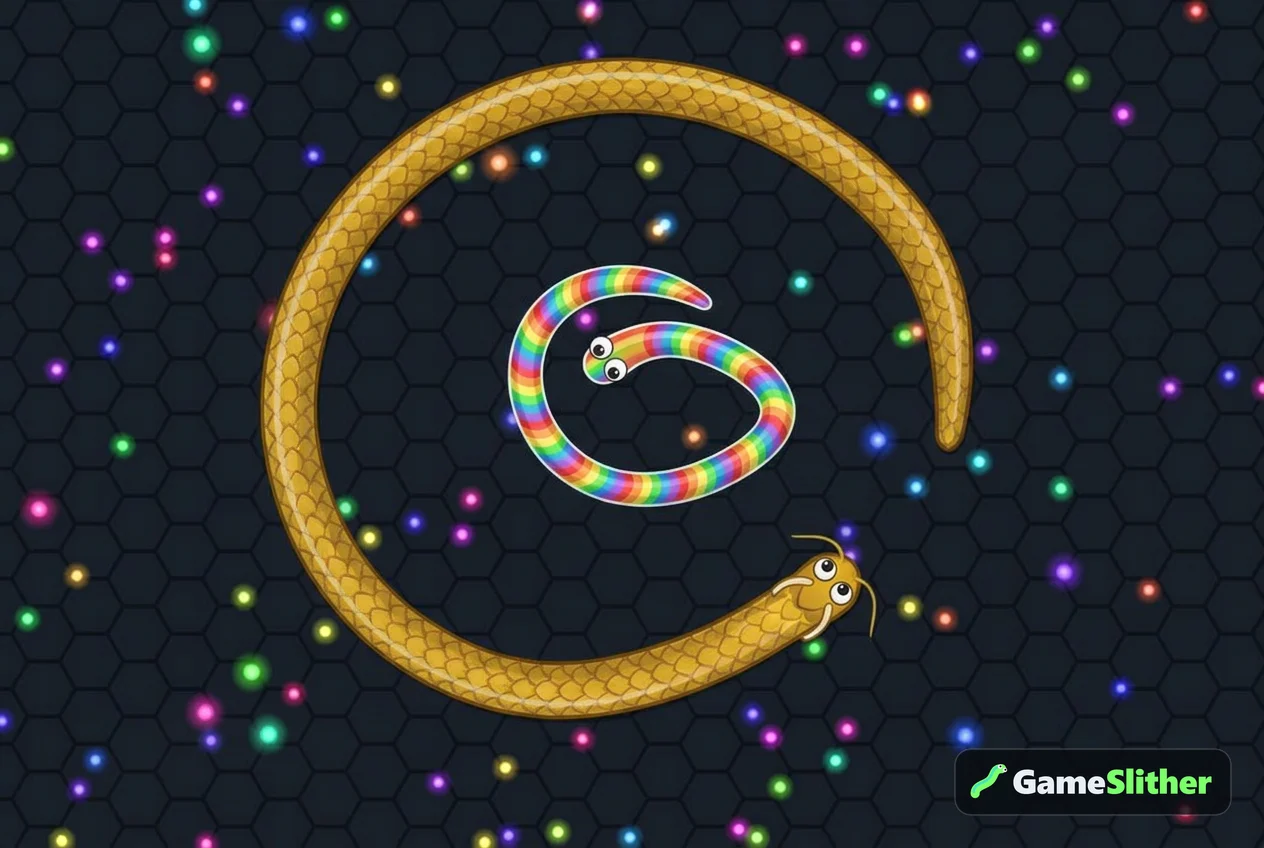
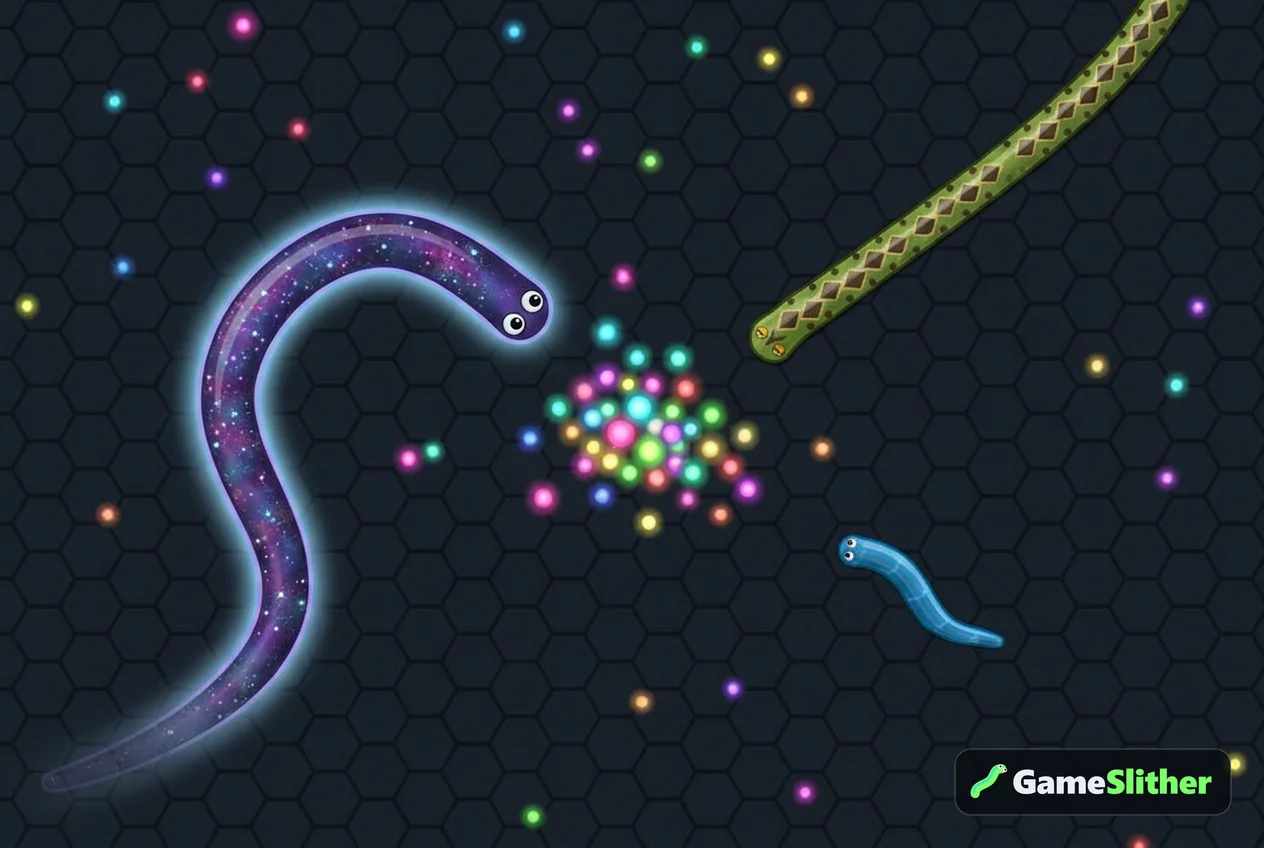
- 6 free skins: Classic (12 colours), Neon Cyber, Golden Dragon, Rainbow Candy, Jungle Python and Galaxy. See them all on the snake skins section.
- A coin shop: free play earns +1 coin per 10 length reached and +5 coins per snake you take down, which unlocks 23 country-flag skins. Coins have no real-world money value.
- 11 languages and a full how to play guide if you're completely new.
Getting started in under a minute
- Open gameslither in any modern browser.
- Type a nickname — no email, no password.
- Pick a skin, then hit play.
- Steer with your mouse (or your finger on mobile) and eat the glowing pellets to grow.
- Never let your head touch another snake's body; make them crash into you instead.
If you'd like a slower walkthrough, the step-by-step guide to playing in a browser covers every control, and 10 tips to top the leaderboard explains the tactics once you're comfortable.
Playing with friends instead of strangers
If public rooms feel chaotic, create a private room and share the 4-character code. Everyone who enters that code joins the same match — ideal for a group of friends on their own phones after school. The full process is explained in how to play with friends in a private room.
The bottom line
Searching for slither io unblocked makes sense, but the realistic answer is a game that's light, instant and rule-friendly rather than one that promises to sneak past filters. Respect your school's network rules, play on your own data or at home, and you'll never have to worry about it. When you're ready, open GameSlither and start growing your snake — no download, no sign-up, just a tab and a mouse.
Frequently asked questions
Is GameSlither really unblocked at school?
No website can guarantee that. GameSlither needs no download and no sign-up, but whether it loads depends entirely on your school's network filter. Always follow your school's rules and ask a teacher or the IT desk if gaming sites are permitted.
Do I need to install anything to play?
No. GameSlither runs directly in a browser tab on desktop, mobile and tablet, with no installer, no app store and no account. Close the tab and nothing stays on the device.
Is GameSlither the same as Slither.io?
No. GameSlither is an independent free browser game in the same snake genre and is not affiliated with Slither.io or Lowtech Studios. You can see the differences on the comparison section.
Can I play with my friends on different devices?
Yes. Create a private room and share the 4-character code — anyone who enters it joins your match, whether they're on a phone, tablet or laptop.
Does it cost anything to unlock skins?
No. Six skins are free from the start, and you earn coins just by playing (+1 per 10 length reached, +5 per snake you take down) to unlock 23 country-flag skins. Coins have no real money value.