Is Slither io Safe for Kids? An Honest Parent Guide
Contents
If your child has asked to play a snake game in the browser, here is the honest answer: the gameplay itself is about as harmless as a video game gets — no blood, no weapons, no storyline, just a glowing worm eating dots. The things worth checking are what surrounds the game: ads, the nicknames other players choose, and how easily 20 minutes turns into two hours. This guide walks through each point in plain language, even if you have never played an io game in your life.
First, what is a snake io game?
"io games" are small multiplayer games you play straight in a web browser. No download, no console, no installer.
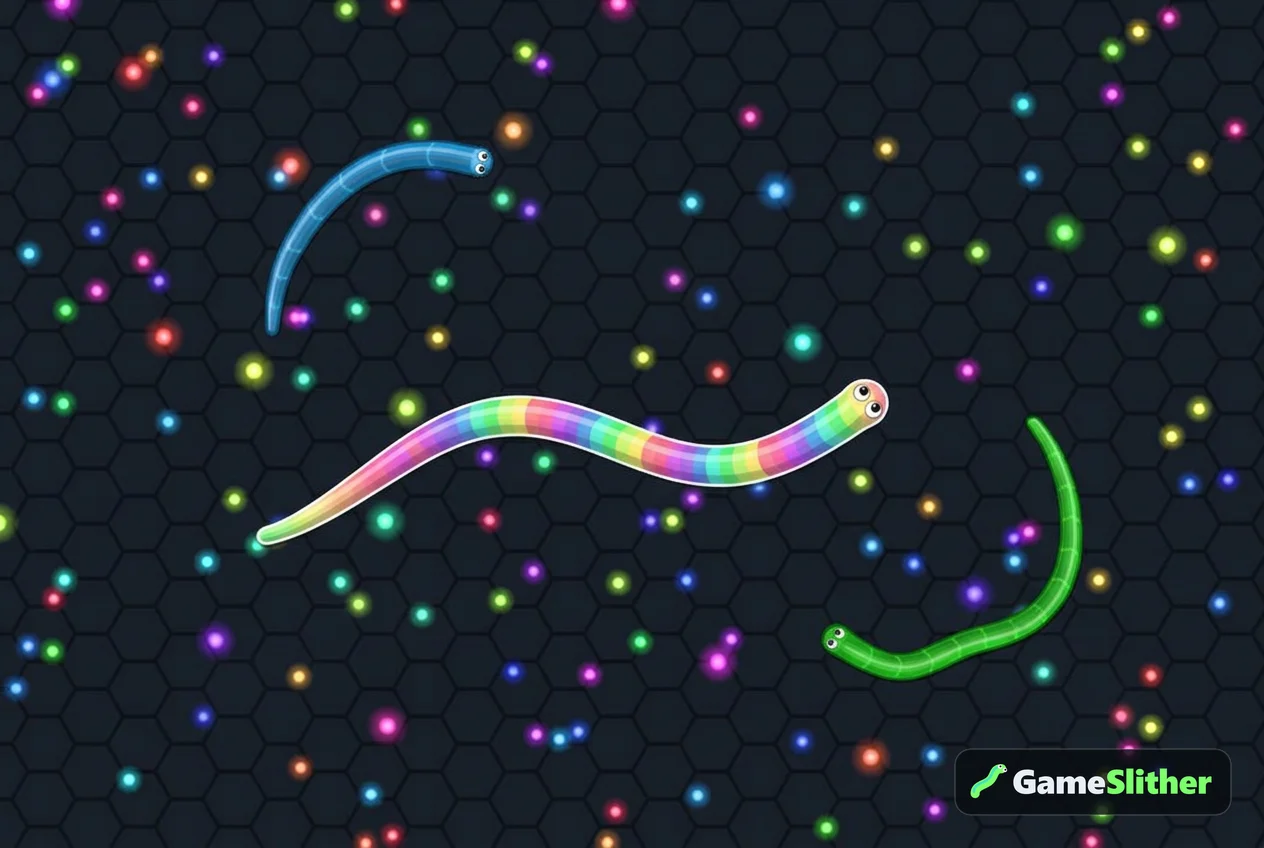
In a snake game like this, your child:
- steers a snake with the mouse, or a finger on a phone or tablet;
- eats small glowing pellets to get longer;
- tries to make other snakes crash into their body — the loser bursts into pellets, nobody "dies" in any graphic sense;
- can hold a boost button to sprint, which costs a bit of length.
That is the whole game. A round can last 30 seconds or 15 minutes. If you want to see it step by step, the how to play guide explains the controls in about a minute.
Is Slither io safe for kids? The honest short answer
Yes, for most children of primary school age and up — with three sensible checks. The risk in this genre almost never comes from the game itself. It comes from the website hosting it, the other humans in the lobby, and the clock.
| What parents worry about | What usually happens in a snake io game | What to check |
|---|---|---|
| Violence | Snakes bump and burst into pellets. Cartoon explosion, no gore | Watch one round over their shoulder |
| Chat with strangers | Most snake games have no chat at all — players only see each other's nickname | Look for a chat box before you say yes |
| Rude nicknames | Possible, since nicknames are free text | Explain that it is just a name on screen |
| Ads and pop-ups | Varies hugely by site; this is the real risk | Play one round yourself first |
| Spending money | Varies; many versions sell skins for real money | Check whether the shop uses real currency |
| Time | Rounds restart instantly, which is where hours vanish | Agree a round count, not a vague "ten more minutes" |
Notice that four of those six rows are about the website, not the game. That is the part parents can actually control.
How GameSlither is set up
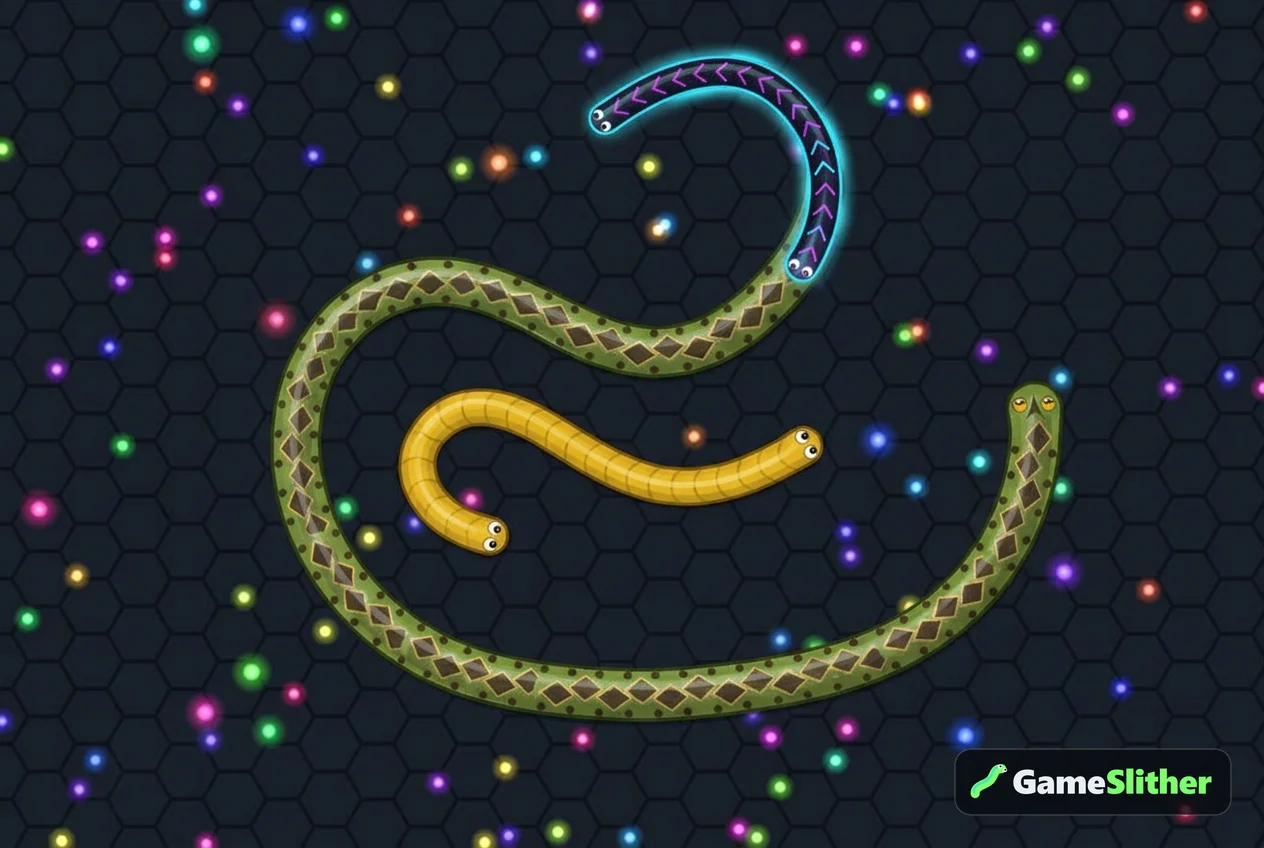
GameSlither is a free browser snake game in the Slither.io style — it is an independent game, not Slither.io itself, and you can see the differences on the comparison page. Here is what matters for a parent.
There is no chat, only a nickname
The only text another player ever sees from your child is the nickname typed before the round, which appears above the snake, in the leaderboard and in the kill feed ("X defeated Y"). There is no message box, no friend requests, no voice. If your child wants a fun name instead of their real one — which is the right habit anyway — there are plenty of ideas in our snake game nickname list.
Coins have no money value
GameSlither has a coin system: roughly +1 coin per 10 length reached and +5 for each snake taken down, plus daily missions and a login streak reward. Those coins buy snake skins inside the game. They are not a currency you top up — they have no money value and are earned only by playing. Four more skins can only be unlocked by achievements, such as surviving 10 minutes in a single life.
No sign-up, no account
There is no registration, no email and no password. Progress is kept in the browser, with a recovery code your child can save if they switch devices. That means less personal data floating around, but it also means clearing browser data wipes progress unless the code is saved somewhere safe — a note in your phone works fine.
Losing is designed to be gentle
When a snake crashes, a result screen shows max length, kills, time alive, best rank and coins earned. It is a scoreboard, not a punishment. For younger children this matters: the game rewards the attempt, not just the win.
Age guidance and screen time
There is no official age rating here, so use common sense:
- Ages 6–8: fine with an adult nearby. The mouse control is simple, but losing a big snake can sting. Sit through the first few rounds together.
- Ages 9–12: usually independent. This is the age where the leaderboard becomes motivating — and where time limits matter most.
- 13+: no real concerns beyond the usual screen-time conversation.
A practical trick: instead of minutes, agree on a number of rounds ("five games, then homework"). Rounds have a natural ending, so there is no mid-match argument.
A five-minute setup for parents
- Open the game on your own device and play one round. You will learn more in 60 seconds than from any review.
- Agree on a nickname that is not your child's real name or school.
- Turn the sound down or use the mute button if they are playing in a shared room.
- Show them the private room option: create a room, share the 4-character code, and they can play only with friends or siblings.
- Agree the round limit before the first game starts, not during it.
The verdict
So, is Slither io safe for kids? The genre is one of the mildest things on the internet — the real homework is checking the site, the nickname and the clock. Do those three things once and you can relax.
If you would like to try it yourself before handing over the tablet, play a round of GameSlither right now. It takes one click, there is nothing to install, and you might find you want five more games too.
Frequently asked questions
What age is a snake io game suitable for?
Most children from about 6 or 7 can manage the controls, since you only steer with a mouse or finger. Under 9, it helps to sit with them for the first few rounds so a sudden loss does not feel discouraging.
Can strangers talk to my child in GameSlither?
No. There is no text or voice chat — the only thing other players see is the nickname typed before the round, which appears on the leaderboard and in the kill feed.
Does GameSlither cost money or need a credit card?
No. It is free to play with no sign-up, and the in-game coins are earned by playing. Coins have no money value and are used only to unlock snake skins inside the game.
Is the game violent?
Not in any meaningful way. When a snake crashes into another snake it bursts into glowing pellets with a cartoon explosion effect — there are no characters, weapons or blood.
How can my child play only with friends?
Create a private room and share the 4-character code or invite link. Only people with that code join, so the lobby contains friends and siblings instead of random players.