Games to Improve Hand Eye Coordination Online Free
Contents
- What "hand-eye coordination" means when you're gaming
- How to pick a free online game that actually trains you
- Free browser genres ranked by what they train
- Why snake-style io games are such a good coordination workout
- Your control setup matters more than the game
- A 15-minute practice routine you can start today
- Wrapping up
If you're hunting for games to improve hand eye coordination online free, the good news is that you don't need a console, a download or an account — a browser tab is enough. The best training games share three traits: constant movement, instant feedback, and a control scheme where your hand directly steers something on screen. Below I'll break down which free online genres do that best, what to avoid, and a short practice routine you can run on your lunch break.
What "hand-eye coordination" means when you're gaming
Strip away the buzzword and it's simple: your eyes track something moving, your brain predicts where it's going, and your hand moves to meet it. Games push on that loop over and over, faster than real life usually does.
In practice you're training four overlapping skills:
- Tracking — keeping your eyes locked on a moving target while other things happen around it.
- Aiming / steering — translating what you see into a precise hand movement with no conscious maths involved.
- Timing — acting at the right moment, not just the right place.
- Divided attention — watching the centre of the screen and the edges at the same time.
A good free online game hammers all four without you noticing. A bad one (think: menus, cutscenes, waiting around) hammers none of them. That's the real filter when you're choosing what to play.
How to pick a free online game that actually trains you
Before you open twelve tabs, run any candidate through this checklist:
- Does your hand control something continuously? Click-once-and-wait games don't count. You want constant input.
- Is feedback immediate? You should know within a second whether your movement worked.
- Can you restart in two seconds? Short loops mean more reps. More reps mean faster learning.
- Does difficulty scale on its own? Live opponents or adaptive AI keep you near the edge of your ability.
- Does it run at a smooth frame rate in your browser? Choppy animation ruins tracking practice.
- No download, no sign-up? You'll play more often if friction is zero.
If a game ticks five of six, it's worth your time. If it only ticks two, you're entertaining yourself, not training.
Free browser genres ranked by what they train
Here's how the most common no-download genres stack up. None of these need an installer — they all run in a normal browser tab.
| Genre | Main skill trained | Session length | Great for |
|---|---|---|---|
| Snake / io games | Steering, spatial awareness, timing | 1–10 min per life | All-round coordination under pressure |
| Browser aim trainers | Precision clicking, flick accuracy | 30–60 sec | Raw mouse accuracy |
| Rhythm games | Timing, sequencing | 2–4 min | Beat-matching and finger speed |
| Endless runners | Reaction speed, single-axis timing | 1–5 min | Quick reflex drills |
| Puzzle drag-and-drop | Fine motor control | Unlimited | Slow, calm precision |
| Agar-style blob games | Tracking many targets at once | 5–15 min | Peripheral awareness |
Aim trainers are brilliant but boring — most people quit after a week. That's why I usually point friends toward io games: you get the same continuous mouse control, plus opponents who force you to look at the whole screen. You keep playing because it's fun, and the reps happen anyway.
Why snake-style io games are such a good coordination workout
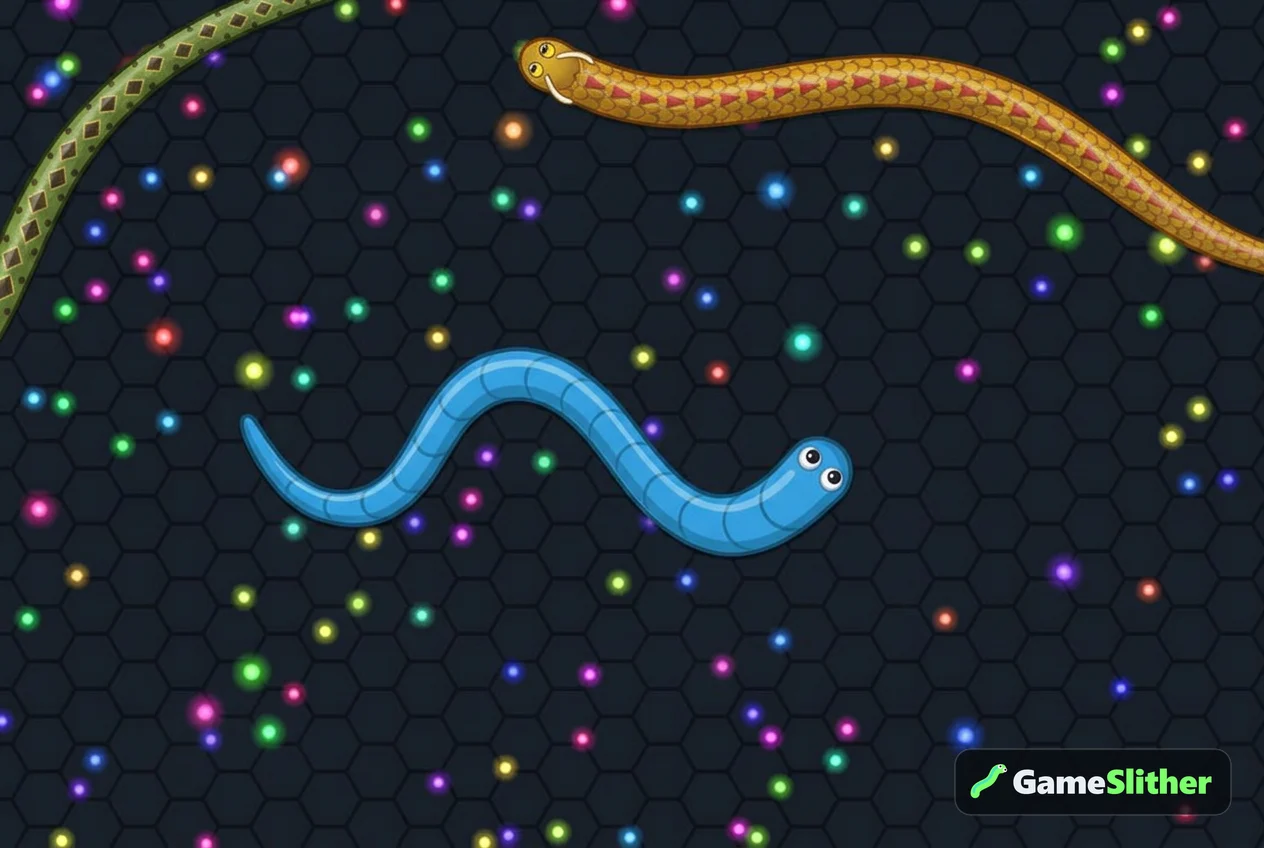
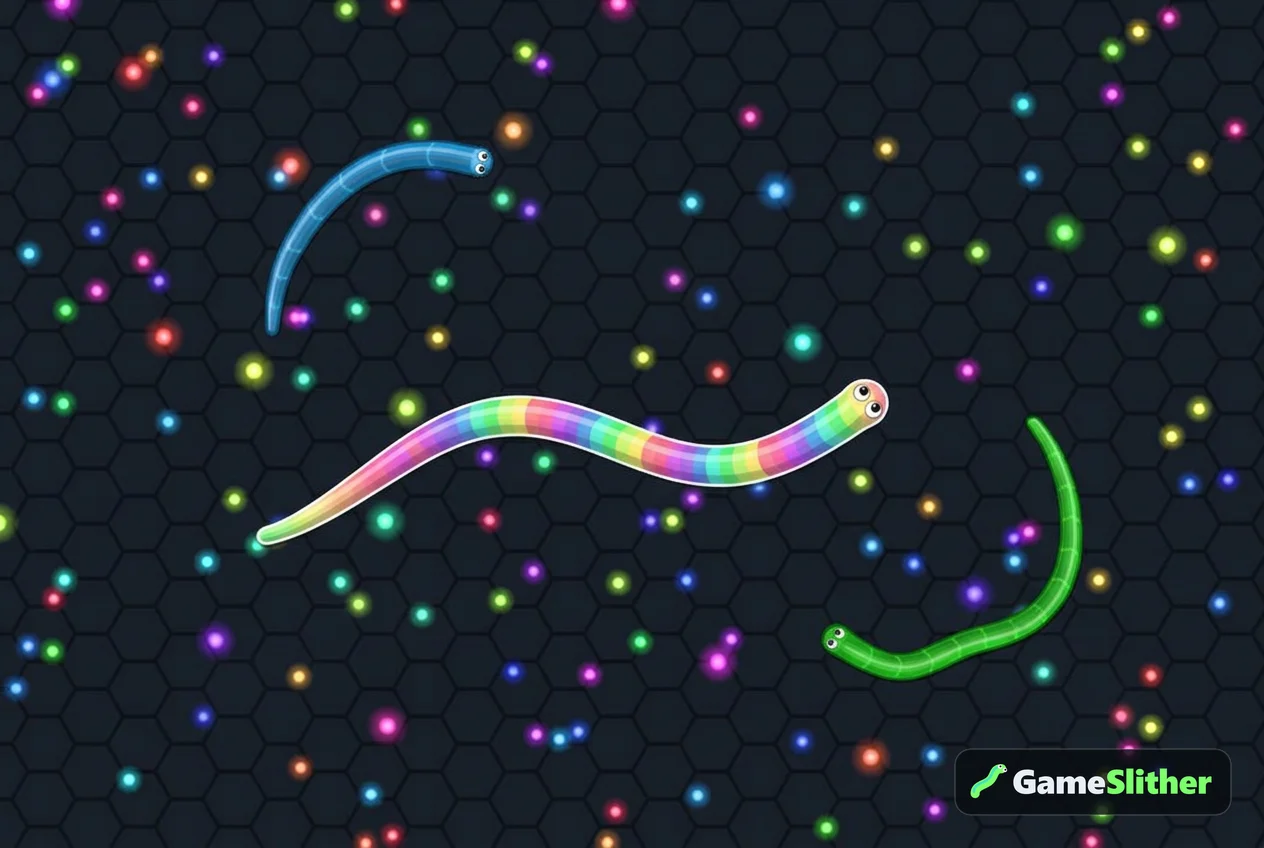
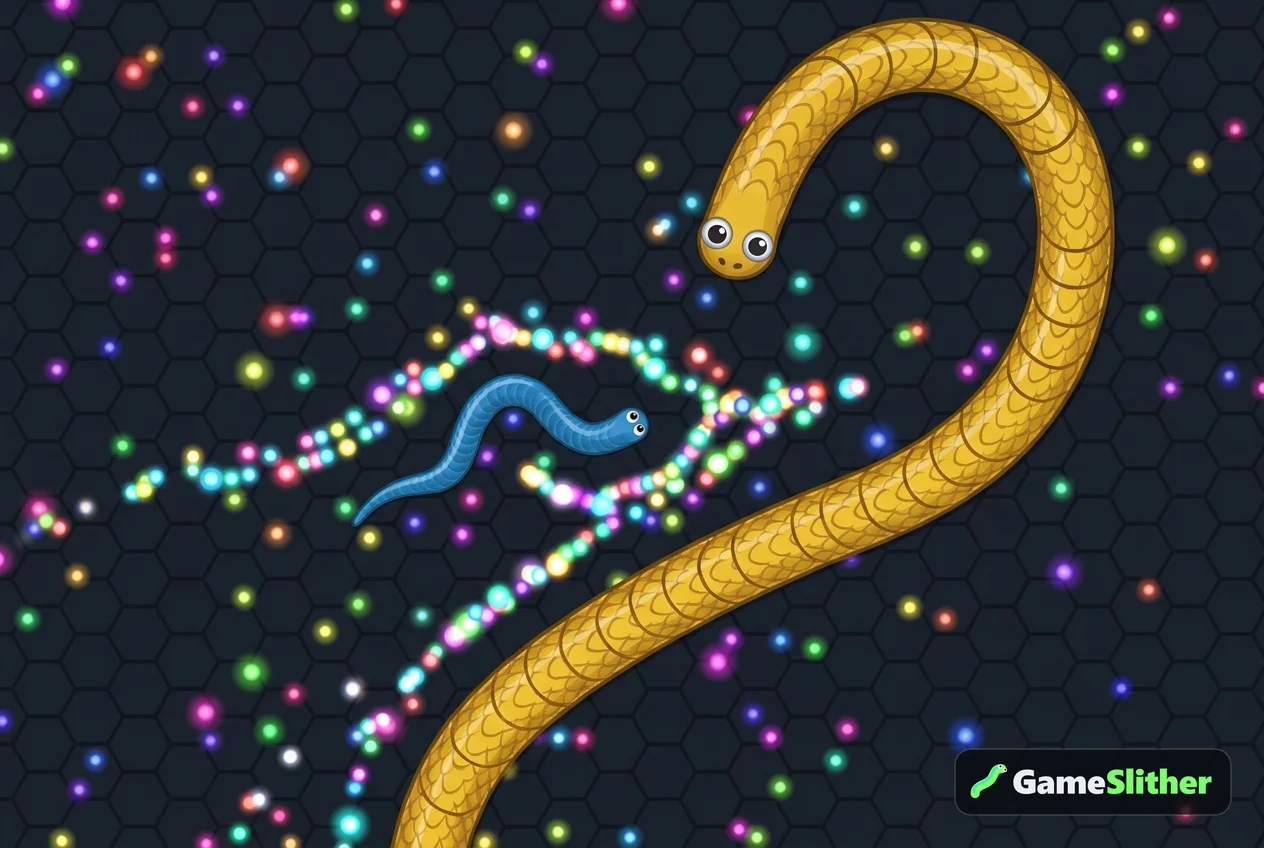
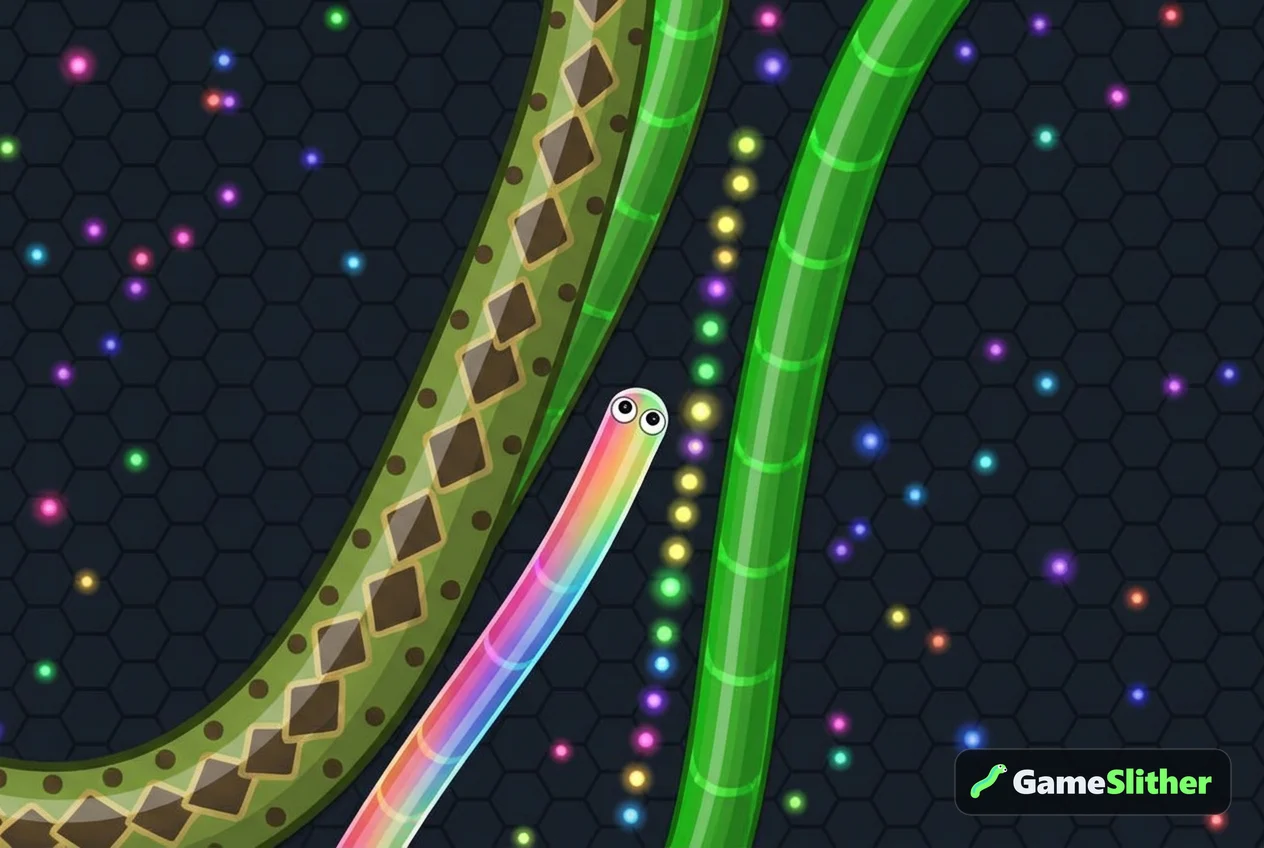
A snake game looks simple — steer with the mouse, eat glowing pellets, grow. But think about what your hands and eyes are doing the whole time:
- Your cursor is a steering wheel, not a pointer. Every tiny movement changes your trajectory.
- You're tracking your own head and a dozen other moving bodies at once.
- Your snake gets longer, so the thing you're steering keeps changing shape — you constantly re-learn your own turning radius.
- One mistimed turn ends the run instantly. Consequences sharpen attention like nothing else.
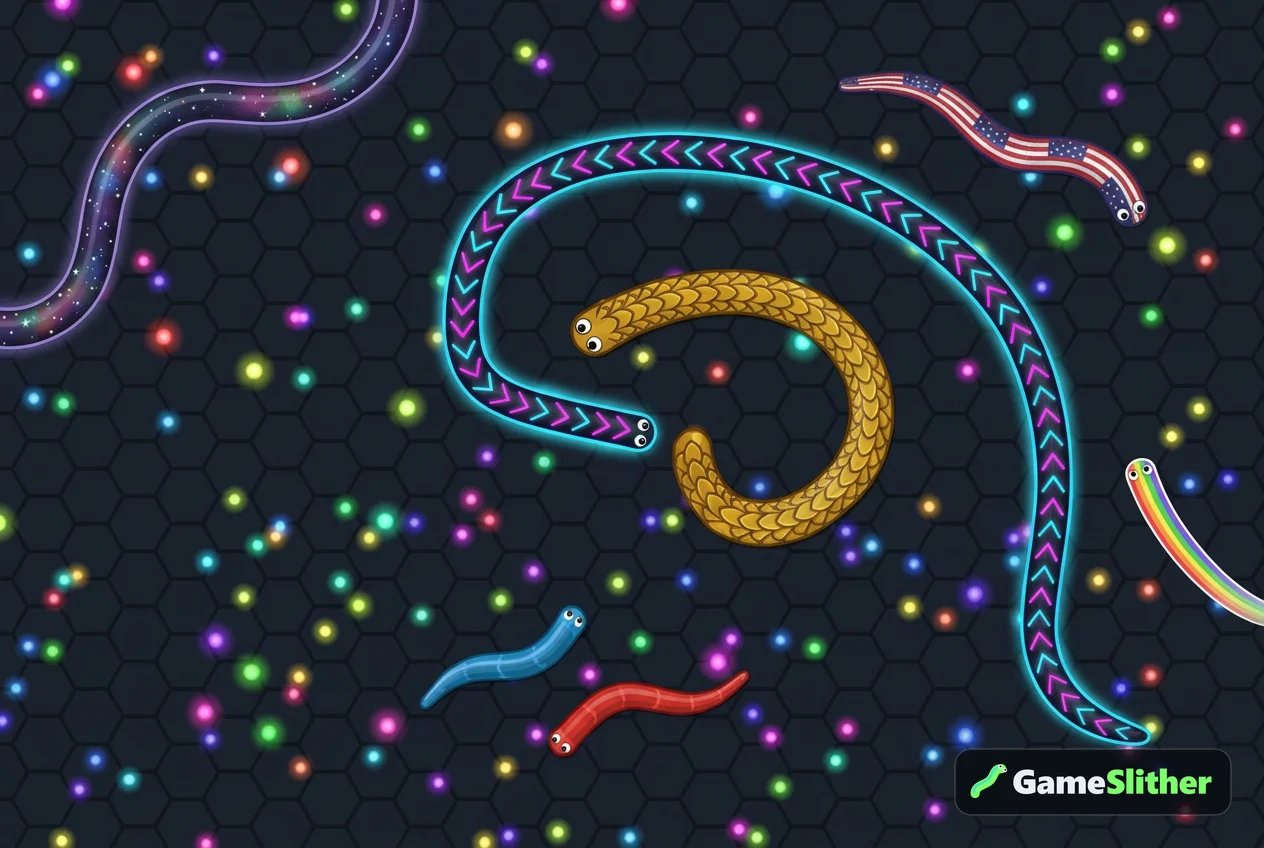
That's exactly the loop I described earlier, and it's free in a browser tab. On GameSlither every public room holds about 40 snakes — a mix of real players and AI snakes that step aside as more humans join, up to 50 players per room. The AI isn't filler either: shy bots avoid bigger snakes, hunters try to cut off smaller ones, and gluttons sprint toward the pellets a defeated snake leaves behind. You get unpredictable movement to track whether the lobby is busy or quiet, and you can learn the basics in about a minute.
Four drills to run inside one snake game
Don't just play — play with a goal. Pick one of these per session:
- Pellet threading. Collect only pellets that sit between two moving snakes. Forces precise steering instead of lazy wide turns.
- Tight-circle control. Coil around a small snake without touching your own body. This is pure fine motor control and it's the hardest one on the list.
- Edge discipline. Play ten lives near the map border. You lose one degree of freedom, so your tracking has to get better.
- Boost timing. Hold boost for exactly the length of a cut-off, then release. Boosting costs length and drops pellets behind you, so sloppy timing is punished immediately — there's a full breakdown in how to boost without losing all your length.
After each run, the result screen shows your max length, kills, time alive, best rank and coins earned. Use max length and time alive as your two training metrics — they're the cleanest signal of whether your control is improving week to week.
Your control setup matters more than the game
You can undo all your practice with a bad setup. A few things worth fixing before your next session:
- Mouse beats trackpad. A trackpad caps how smoothly you can arc a turn. If you only have a laptop, that's fine — just know the ceiling exists.
- Lower your sensitivity slightly. High DPI feels fast but makes micro-corrections twitchy. You want to move your whole forearm for big turns and your wrist for small ones.
- Sit so the screen is roughly arm's length away. Too close and you lose the edges of the map; too far and you lose detail.
- Pick one scheme and stick to it for a few weeks. Swapping between mouse, keyboard and touch resets your muscle memory. There's a full comparison in mouse vs keyboard vs touch controls.
Phones and tablets count too
Touch control trains something slightly different: your thumb has no cursor to follow, so you're steering by feel while your finger partly covers the screen. It's genuinely harder for precision, but excellent for spatial prediction. GameSlither works in mobile and tablet browsers with vibration feedback, so you can run drills on the bus and switch back to a mouse at home.
A 15-minute practice routine you can start today
Short and consistent beats one long weekend session. Here's a routine that fits in a coffee break:
- Minutes 0–3 — warm-up. Play one quiet life with no goal except surviving. Let your eyes settle into tracking.
- Minutes 3–8 — one drill. Pick a single drill from the list above and repeat it across several short lives. Dying fast is fine; you're there for reps.
- Minutes 8–13 — pressure round. Play to climb the leaderboard. Watch the minimap between pellet runs so you're training divided attention, not tunnel vision.
- Minutes 13–15 — review. Check the result screen. Did max length go up? Did time alive go up? Note which drill you used.
Do that three or four times a week and you'll feel the difference inside a fortnight — mostly in how calm your hands feel when the screen gets busy. If you want extra motivation, daily missions and the login streak pay out coins while you train, and coins unlock skins in the shop. More on that in the daily missions coin guide.
Wrapping up
The best games to improve hand eye coordination online free aren't the ones with the flashiest graphics — they're the ones with constant hand input, instant feedback and a restart button you can hit in a heartbeat. Snake-style io games hit all three, and they stay fun long enough that you actually keep practising.
If you want to start right now, jump into a public room on GameSlither — no download, no sign-up, 40 snakes already waiting. Pick a drill, run a few lives, and check your max length at the end. That number is your training log.
Frequently asked questions
Can free browser games really help hand-eye coordination?
Games that demand continuous hand input and give instant feedback give you a lot of practice at tracking moving targets and steering precisely. They're practice, not therapy — but short, regular sessions are far more useful than one long session a week.
Which free game is best for beginners who want to practise coordination?
Start with a snake-style io game: you steer with the mouse or your thumb, the rules take a minute to learn, and every life gives you immediate feedback. You can try one straight away on GameSlither with no download or sign-up.
Do I need a gaming mouse to train hand-eye coordination?
No. Any mouse works, and a trackpad or touchscreen is fine too. What matters more is consistency: pick one control method and stick with it for a few weeks so your muscle memory has time to settle.
How long should a practice session be?
About 15 minutes, three to four times a week, is plenty. Short sessions keep your attention sharp, and you'll get more useful reps than you would in a tired hour-long marathon.
Can I play these games on a school or work laptop?
Browser games with no installer usually run anywhere a normal website does, including Chromebooks. GameSlither runs in a standard browser tab on desktop, mobile and tablet, and needs no download or account.