Mouse Controlled Games Online Free: No Keyboard Needed
Contents
- Why one-hand games win more often than you'd think
- What makes a good mouse-controlled game (6 quick checks)
- The best free mouse-controlled genres (and what each feels like)
- GameSlither: a mouse-controlled snake game that's fully playable with one hand
- Mouse vs keyboard vs touch: how they actually compare
- Five mouse habits that raise your score immediately
- Trackpads, tablets and phones
- Ready to play with one hand?
If you want mouse controlled games online free of downloads, logins and twelve-key control schemes, the good news is that the browser is full of them — and most load in a few seconds. The trick is knowing which genres are genuinely mouse-only (not "mouse plus three hotkeys") and which ones still feel deep enough to keep you playing. Below are the picks worth your time, plus the small setup tweaks that quietly add 20% to your score.
Why one-hand games win more often than you'd think
There's a reason mouse-only games refuse to die. They remove the single biggest barrier to casual play: remembering what each key does.
- Zero learning curve. If you can point, you can play. New players are competitive in minute one.
- You can play anywhere. On a laptop on the sofa, on a tablet, on a work machine during a coffee break, with a snack in your other hand.
- Less physical strain. No claw grip on WASD, no accidental Alt+Tab mid-fight.
- Kid- and parent-friendly. My nephew learned a mouse-steered snake game faster than he learned to tie his shoes.
- They port to touch perfectly. Anything you steer by pointing works with a finger too, which is why so many of these games feel identical on a phone.
If your laptop is a bit tired, mouse-only games are also usually the lightest things in the browser — see our rundown of browser games for low-end laptops for more on that.
What makes a good mouse-controlled game (6 quick checks)
Not every "no keyboard needed" tag is honest. Before you commit twenty minutes, check:
- Is it really mouse-only? Open the controls screen. If the action key is a keyboard key with no click alternative, it's not a one-hand game.
- Does it load instantly? Good browser games start playing in seconds, with no installer and no account wall.
- Is the cursor the character? The best mouse games map your pointer straight to movement or aim — no laggy translation layer.
- Can you pause or leave mid-match? Matchless games you can quit at any second respect your time.
- Is there a reason to come back? Leaderboards, daily rewards or cosmetics give a short session a point.
- Does it run on mobile too? If the same URL works on your phone, you can continue on the bus.
We break this down further in what makes a good io game.
The best free mouse-controlled genres (and what each feels like)
1. Snake and worm .io games
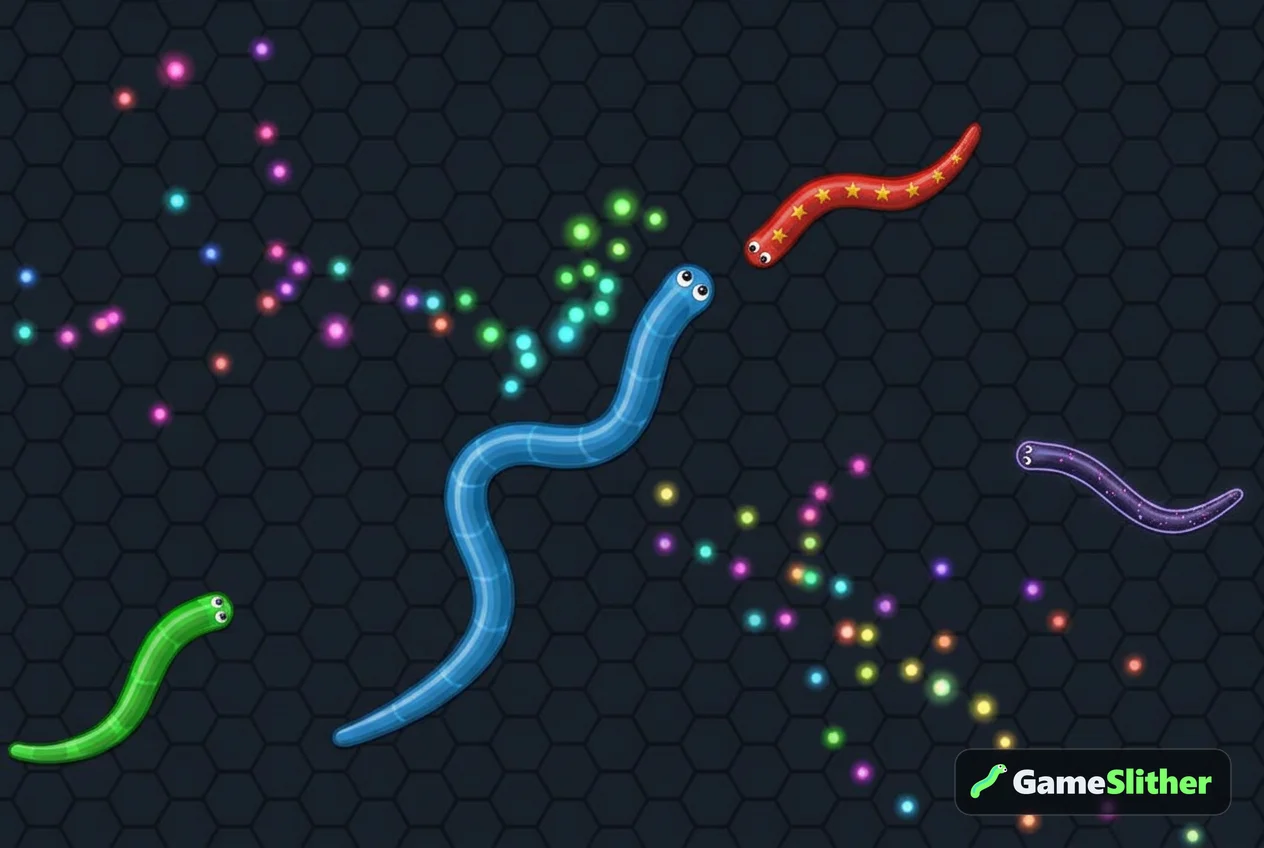
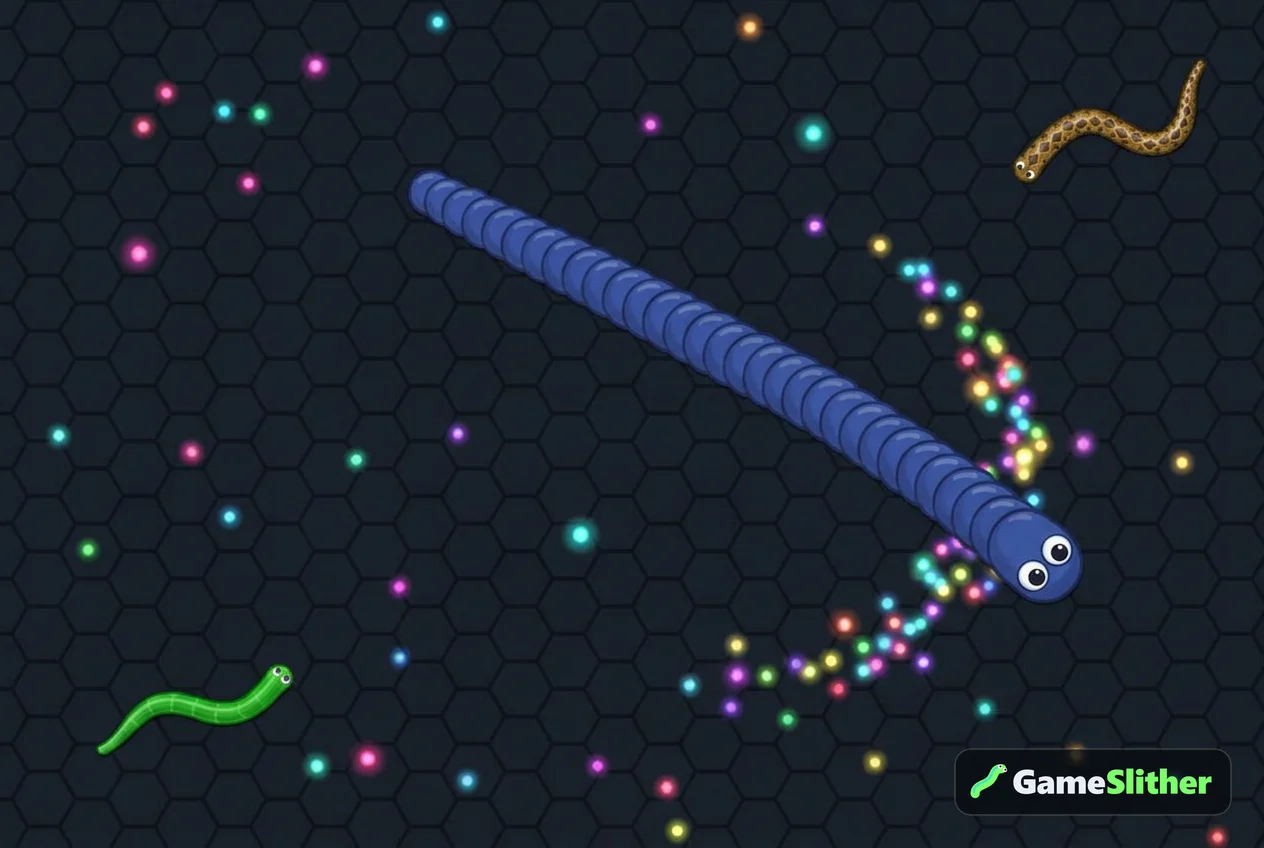
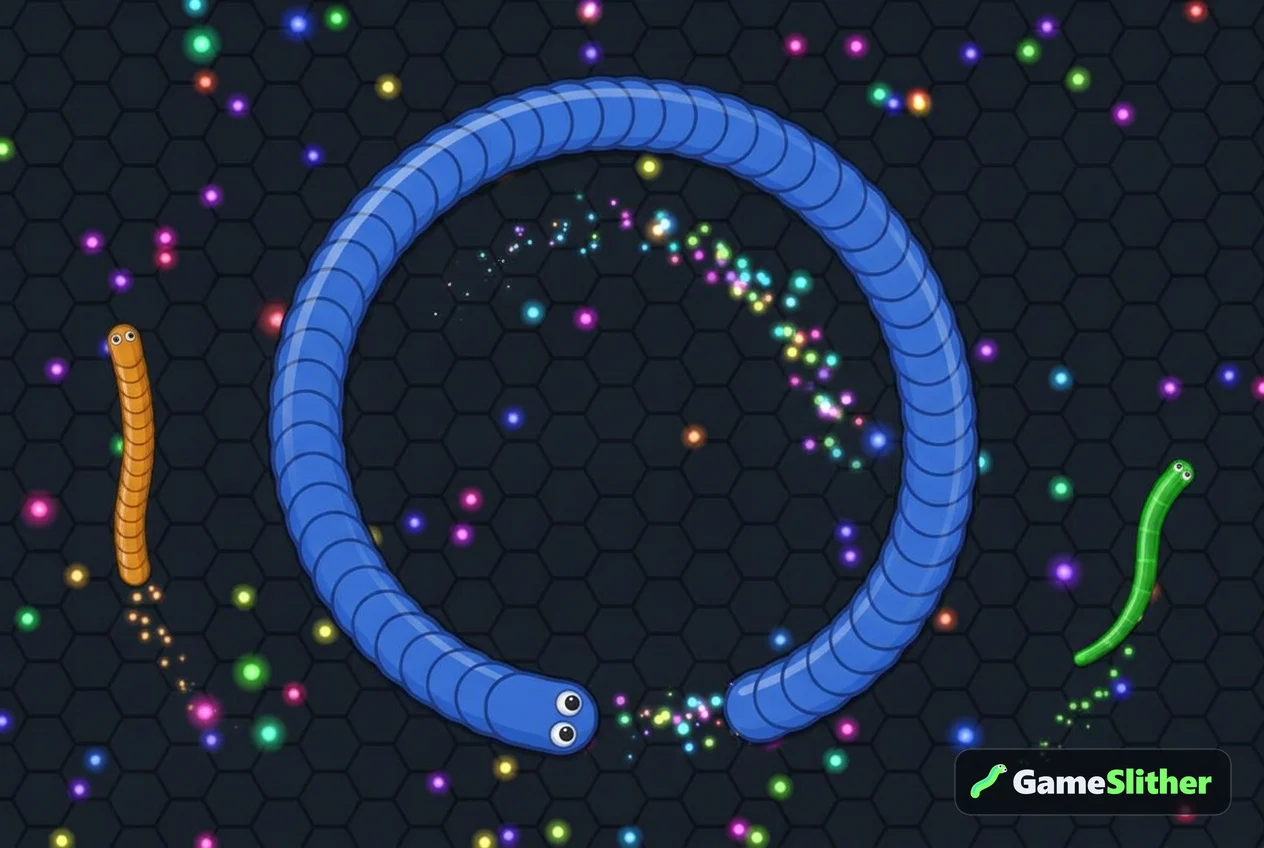
The purest mouse genre there is. Your snake follows the cursor, you eat glowing pellets to grow, and you try to make bigger snakes run into you — or cut off smaller ones. Reaction-based, endlessly replayable, and you never touch a key.
2. Blob-eating arena games
Same idea, different shape: you drift around a map absorbing smaller cells and fleeing bigger ones. Pure cursor chasing, very relaxing until you're one pixel from being eaten.
3. Top-down shooters with mouse aim
Some arena shooters let you move toward your cursor and fire with the left button. Twitchy and loud, but still technically one-hand.
4. Physics and golf-style puzzlers
Drag, aim, release. These are the slowest-paced of the bunch and brilliant when you want to think rather than panic.
5. Card games and solitaire
Click, drag, drop. Zero pressure, infinite sessions, and perfectly fine on a trackpad.
6. Idle and clicker games
One button, numbers go up. Not exactly a skill test, but they're the definition of no-keyboard gaming.
7. Drawing and guessing games
Social, silly, and mouse-driven by nature — though these usually need the keyboard for chat, so they're only half a mouse game.
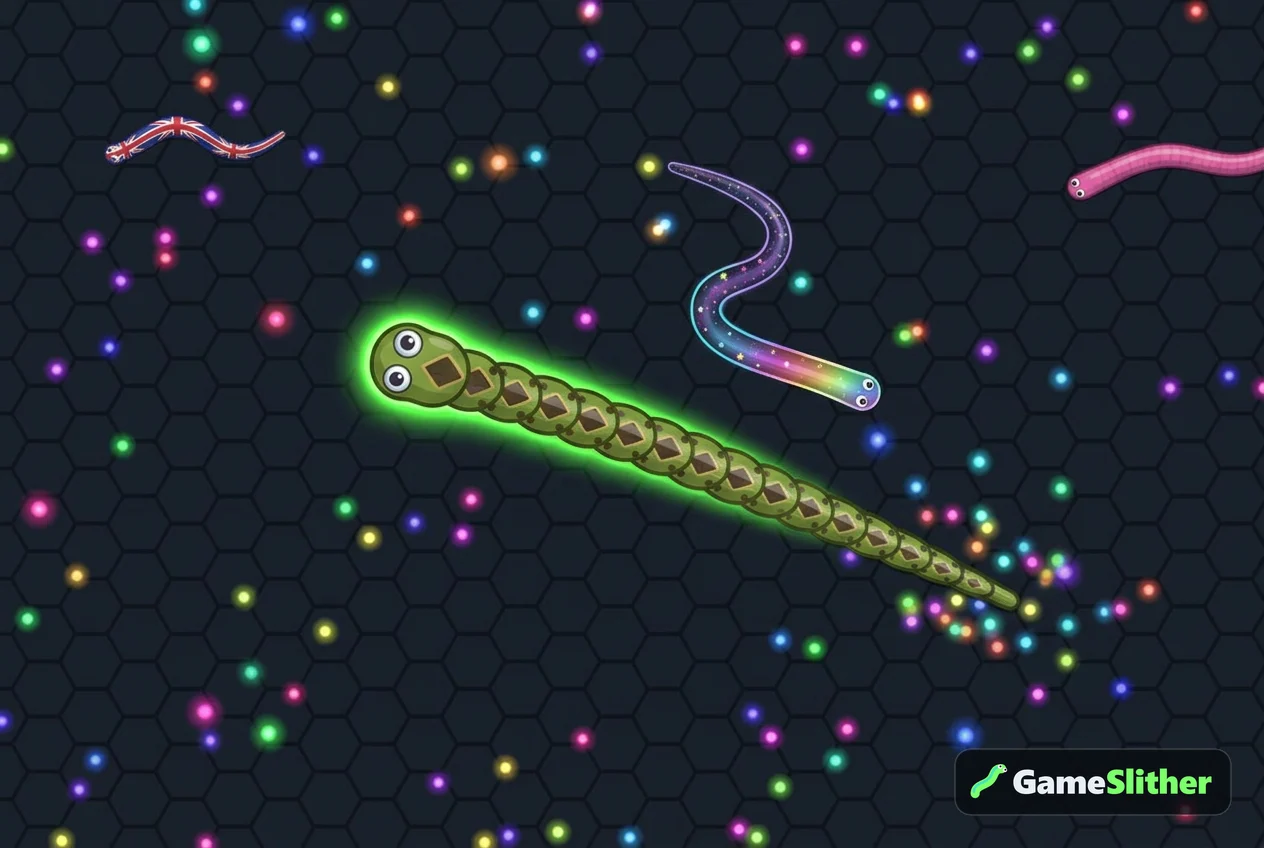
GameSlither: a mouse-controlled snake game that's fully playable with one hand
If you want one concrete recommendation from this list, start here. GameSlither is a free browser snake game in the Slither.io style, and it's genuinely mouse-complete: steering is the cursor, and boosting is the left mouse button. (Space and an on-screen ⚡ button exist too, but you never have to touch them.)
Here's what a session actually looks like:
- You drop into a public room that holds around 40 snakes — a mix of real players and AI snakes that step aside as more humans join, up to 50 players per room.
- You eat glowing pellets to grow, and you kill by making other snakes crash into your body. Nobody takes damage by touching heads-on-tails the other way round.
- Hold left click to boost. It's fast, it's how you cut people off, and it costs length — every boost drops pellets behind you, which is why reckless boosting is the number one beginner killer.
- The AI snakes aren't one-note. Shy ones avoid anything bigger, hunters actively try to cut off smaller snakes, and gluttons sprint straight at the pellet pile a dead snake leaves behind. Learning to read which is which is half the fun — more on that in why io games have bots.
- When you die, a result screen shows your max length, kills, time alive, best rank and coins earned, plus a Share button that builds a result image.
There's a live leaderboard, a minimap, a kill feed, explosion effects, sound (with a mute button) and vibration on phones. No download, no sign-up, 11 languages. If you want the full control breakdown, the how to play section covers it in under a minute.
The reward loop, in plain terms
Free play earns coins: +1 per 10 length reached and +5 per snake you take down. Coins have no money value — they're just the in-game currency. On top of that, you get 3 daily missions (play N games, defeat N snakes, reach a length, survive N minutes in one life) that pay out instantly, and a daily login reward that scales from 20 up to 200 coins across a 7-day streak before cycling again.
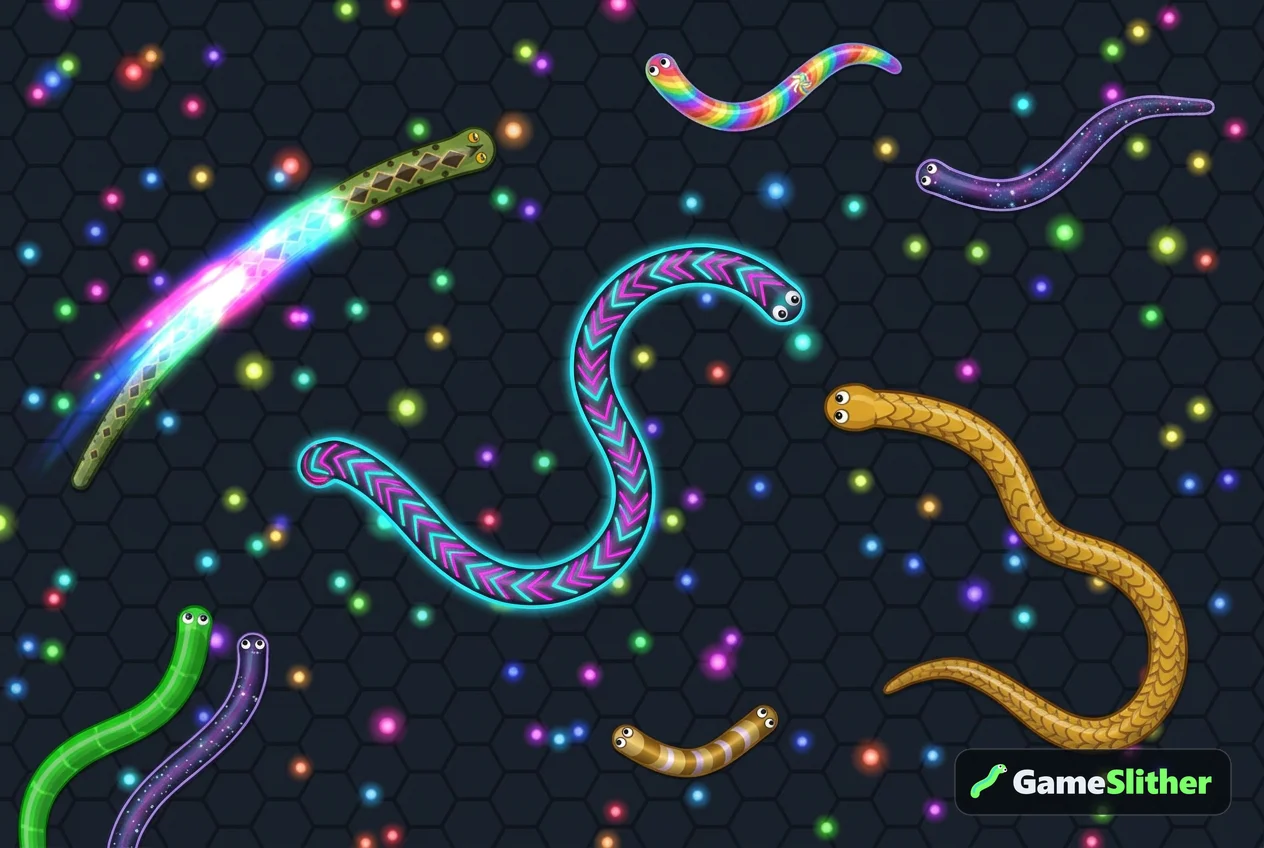
The starter skin, Classic, is free and comes in 12 colors. Two more skins — Jungle Python (500) and Galaxy (700) — are bought with coins in the shop. The rest of the catalogue, including the premium, VIP and country-flag skins, is paid on the website; have a browse on the snake skins page if you're curious, but nothing stops you playing forever with Classic. There's also an account recovery code so your coins and skins survive a cleared browser or a switch to another device.
Mouse vs keyboard vs touch: how they actually compare
| Mouse | Keyboard (WASD/arrows) | Touchscreen | |
|---|---|---|---|
| Learning time | Seconds | Minutes | Seconds |
| Precision in tight turns | Excellent | Good, but stepped | Fair — your thumb blocks the view |
| Fatigue over 30 min | Low | Medium | Medium–high |
| Works on a laptop sofa setup | Yes (trackpad OK) | Awkward | N/A |
| Best for | Chase, aim, steer | Platformers, shooters | Quick phone sessions |
| Typical snake .io fit | Ideal | Clunky | Very good |
For anything where you're chasing a point in space — snakes, blobs, cursors-as-characters — the mouse simply wins. Keyboard movement is quantised into eight directions; a mouse gives you 360 degrees of smooth steering.
Five mouse habits that raise your score immediately
- Lower your DPI, widen your movement. High-DPI, flick-style settings are great for shooters and terrible for steering. Slow the pointer down and use bigger arm movements for smoother arcs.
- Give yourself desk space. Wide turns need wide travel. A cramped mousepad produces jerky, death-inviting corrections.
- Keep the cursor ahead of your snake, not on it. You're pointing at where you want to be in half a second, not where you are now.
- Click-boost in short taps. One-second bursts to cut someone off, then release. Long holds bleed your length away.
- Play in full screen and close background tabs. Frame drops feel like bad aim. If things get choppy, our lag fix checklist sorts most of it.
And if you keep dying at small sizes, the patient approach in how to survive as a small snake is worth ten minutes of reading.
Trackpads, tablets and phones
A trackpad works fine for slower mouse games — solitaire, puzzlers, idle games — but for live arena games it's a handicap: limited travel distance means constant finger-lifting right when you need a long turn. If you only have a trackpad, slow the tracking speed down and play defensively near the map edge rather than in the crowded middle.
On phones and tablets, mouse-steered games translate almost perfectly, because dragging your finger is the same gesture. GameSlither runs on desktop, mobile and tablet browsers from the same link, with a boost button for your thumb and haptic feedback when things go wrong.
Ready to play with one hand?
The best mouse controlled games online free to play share the same DNA: instant loading, a cursor that is your character, and enough depth that a five-minute break turns into three more rounds. Start with a snake arena — it's the genre that rewards smooth mouse control more than any other.
Jump into GameSlither and see how long your first snake lasts. If you want to know how it stacks up against the game that started the genre, there's a straight comparison on the GameSlither vs Slither.io page.
Frequently asked questions
Are there good multiplayer games you can play with just a mouse?
Yes. Snake and blob arena games are built around cursor steering, so the mouse handles everything. GameSlither, for example, is steered with the mouse and boosts with the left button, so you never need the keyboard.
Do mouse-controlled browser games need a download or an account?
The good ones don't. GameSlither runs straight in the browser on desktop, mobile and tablet with no download and no sign-up — see do you need an account to play io games for the longer answer.
Is a trackpad good enough for online mouse games?
For puzzles, card games and idle games, absolutely. For fast arena games it's workable but limiting, because short finger travel makes long turns awkward — lower your tracking speed and play away from crowded areas.
What's the best mouse setting for a snake io game?
A lower DPI with wider arm movement gives you smoother arcs and fewer panic corrections. Keep your cursor slightly ahead of your snake's head rather than directly on it.
Can I play mouse-controlled games on my phone?
Usually yes, because dragging a finger mirrors moving a cursor. GameSlither uses the same link on phones and tablets, with an on-screen boost button and vibration feedback.